Build Minecraft Mods and Plugins with Codex: A Practical AI Coding Guide
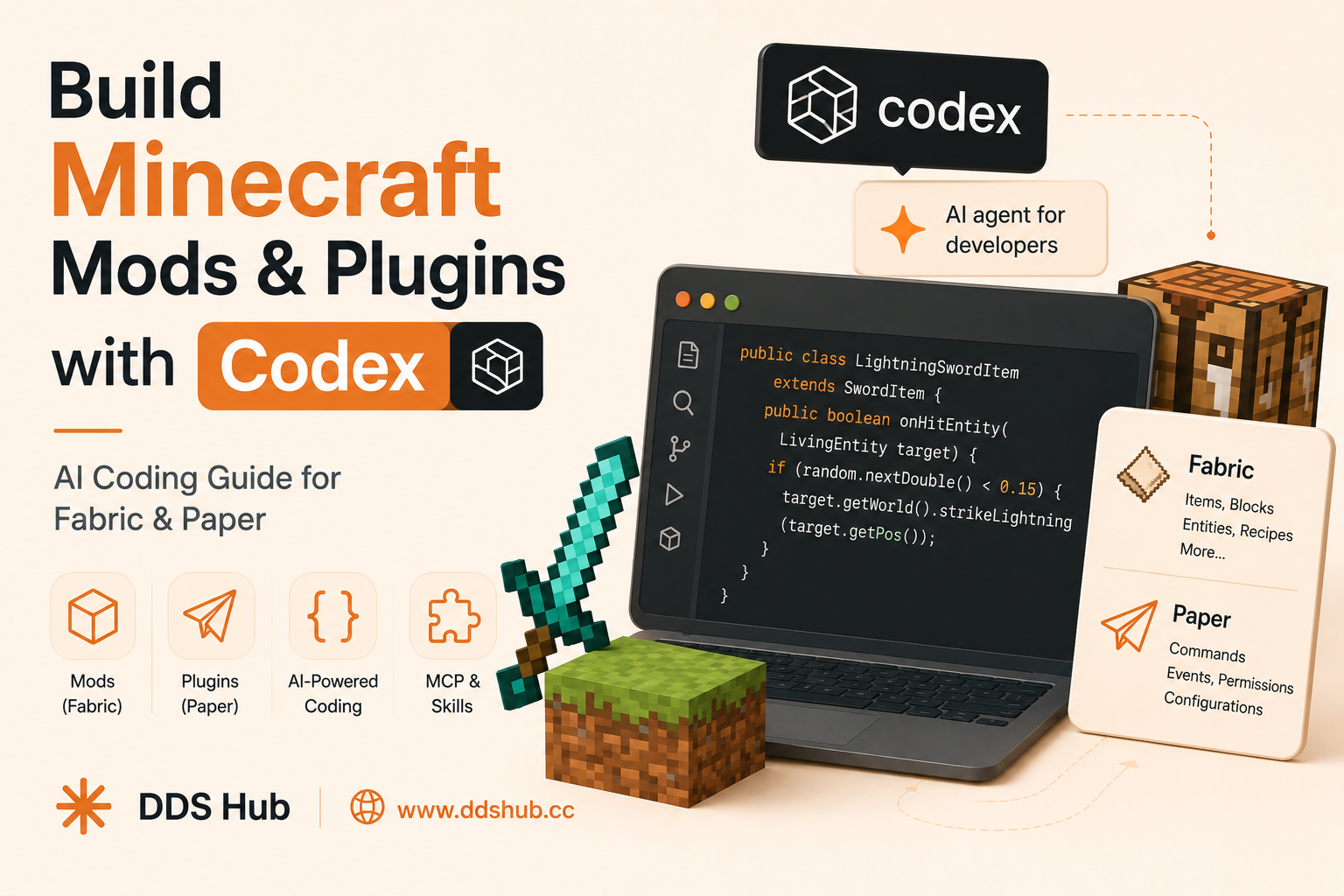
Minecraft is one of the best environments for experimenting with AI-assisted software development.
The game has a huge modding ecosystem, well-defined APIs and an almost unlimited number of possibilities for custom gameplay. Developers can create new items, blocks, mobs, commands, game mechanics and server systems, but traditional Minecraft development still requires knowledge of Java, Gradle, mappings and platform-specific APIs.
Coding agents such as Codex make this process much more accessible.
Instead of manually searching through documentation, writing every class from scratch and debugging every build error independently, developers can ask Codex to inspect a Minecraft project, understand its structure, implement features and help troubleshoot the resulting code.
The important thing is not to treat Codex as a magical "Minecraft mod generator." The most effective workflow is to use Codex as an AI software engineer that works alongside the developer.
What Can Codex Build for Minecraft?
Codex is particularly useful for projects where the AI needs to work with multiple files and perform several coding tasks.
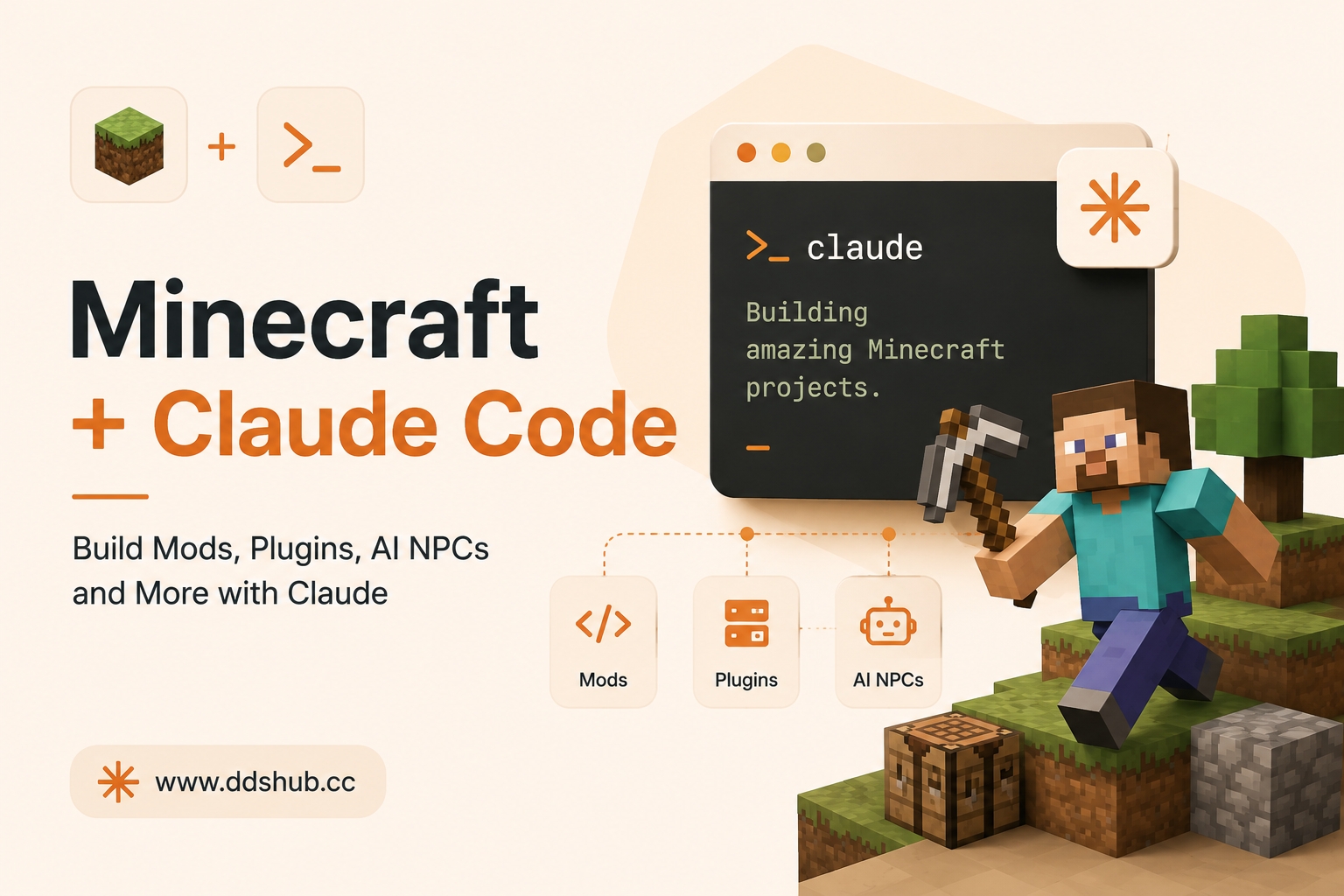
For Minecraft, this can include both mods and server plugins.
If you are developing a Fabric mod, Codex can help implement custom items, blocks, entities, recipes, commands, effects and other gameplay systems. Fabric provides a modern development ecosystem for Minecraft Java Edition, including Fabric Loader, Fabric API and Fabric Loom. Its official documentation covers project setup, item and block creation, entities, networking, rendering and other development areas.
For server-side development, Paper provides an extensive plugin API. Codex can help build commands, event listeners, inventories, permissions, configuration systems and other server features.
The distinction between the two is important. Fabric is generally used when you want to modify or extend the Minecraft game itself, while Paper plugins are designed primarily to add functionality to a Minecraft server.
A good Codex prompt should therefore specify the platform and Minecraft version from the beginning.
Instead of asking:
"Create a Minecraft plugin."
say:
"Create a Paper plugin for the Minecraft version used by this project. Add a
/spawncommand with permission checks, configurable messages and persistent player spawn locations."
This gives Codex enough context to make a much more appropriate implementation.
Using Codex to Build a Minecraft Mod
A good beginner project is a custom item.
Imagine that you want to create a powerful sword that has a chance to summon lightning when it hits an enemy.
Instead of asking Codex to generate a standalone Java class, give it a repository-level requirement:
"Inspect this Fabric project and identify how existing items are registered. Add a Lightning Sword following the existing architecture. The sword should behave like a normal sword but have a chance to summon lightning when hitting an enemy. Add the item model, recipe and required resources. Build the project after implementation and fix any compilation errors."
This type of prompt is much more effective because Codex can first understand the existing project and then modify it according to the project's conventions.
It also introduces an important AI coding principle: implementation and verification should happen together.
Minecraft development is highly version-sensitive. A piece of code that looks correct may fail because of a changed mapping, registry API or dependency.
Asking Codex to build the project after making changes allows compilation errors to become additional information that the model can use to improve its implementation.
Using Codex for Paper Plugin Development
Codex can be equally useful for Minecraft server development.
Suppose you are running a Paper server and want to create a custom player teleportation system.
Instead of manually implementing every component, you could ask Codex:
"Create a Paper plugin that adds
/home,/sethomeand/delhome. Store player locations persistently, add configurable messages and permissions, and follow the existing plugin structure. Add basic validation and test the project build."
This task involves commands, permissions, persistent storage, configuration and server APIs.
These are exactly the kinds of tasks where an AI coding agent can save development time because much of the implementation consists of repetitive engineering work.
Once the basic plugin works, you can continue with more advanced requirements such as cooldowns, economy integration, GUI menus or administrator commands.
Codex Skills for Minecraft Development
A general coding model knows Java, but Minecraft development introduces a large amount of specialized knowledge.
The model needs to understand Minecraft mappings, registries, dependencies, resource structures and platform-specific conventions.
This is where Skills and project instructions become useful.
A Minecraft development Skill can provide Codex with additional domain-specific information about how the project should be structured and which APIs should be used.
Even without a dedicated Minecraft Skill, developers can provide this information through project documentation and instruction files.
For example, your project instructions can tell Codex which Minecraft version is being targeted, which loader is being used, which Java version is required, how the project should be built and which files should never be modified automatically.
This reduces the chance that Codex will accidentally generate code based on an older Minecraft version.
MCP and Codex Minecraft Workflows
MCP can make AI coding workflows more interesting by allowing an AI application to interact with external tools.
In Minecraft development, MCP-based projects can connect AI agents to a running Minecraft environment.
Instead of Codex only writing source code, a tool-enabled workflow could potentially allow an AI system to inspect information from a running game, execute supported Minecraft actions or verify generated content.
This opens the door to a different kind of development workflow.
For example, an AI agent could help create a structure or gameplay feature, compile the relevant code and then use an external tool to verify the result in Minecraft.
Projects in the Minecraft ecosystem have already experimented with MCP-based integrations between AI tools and Minecraft servers or clients.
The important concept for beginners is that MCP does not replace Minecraft's modding API. It provides a mechanism for connecting AI systems with external tools.
Minecraft AI Coding Is Extremely Version-Sensitive
One of the biggest challenges when using Codex for Minecraft development is version compatibility.
Minecraft changes frequently, and Fabric, Paper, mappings and other development components evolve alongside the game.
As a result, an AI-generated implementation can fail even when the underlying programming idea is correct.
For this reason, always tell Codex the exact Minecraft version and inspect the project's existing dependencies before implementing a new feature.
A good instruction is:
"Do not assume APIs from another Minecraft version. Inspect the current Gradle configuration and existing source code before implementing the feature."
This simple instruction can prevent many unnecessary compatibility problems.
Using Codex to Debug Minecraft Mods
Debugging is one of the strongest use cases for an AI coding agent.
Minecraft projects can produce long Gradle logs, stack traces and runtime errors that are difficult for beginners to understand.
Instead of copying a massive log into a chatbot, provide Codex with the relevant error and ask it to investigate the project.
For example:
"The Fabric project fails during compilation. Analyze the following error, identify the source of the problem, inspect the related code and propose the smallest compatible fix."
If the model has access to the repository and build tools, it can investigate the affected files and attempt to validate the fix.
The same approach works for Paper plugins.
A server stack trace combined with the relevant plugin code can give Codex enough information to identify incorrect event handling, missing dependencies or API compatibility problems.
Codex + Minecraft + Multiple AI Models
Minecraft development does not necessarily need to rely on one AI model.
Different models can be useful for different tasks.
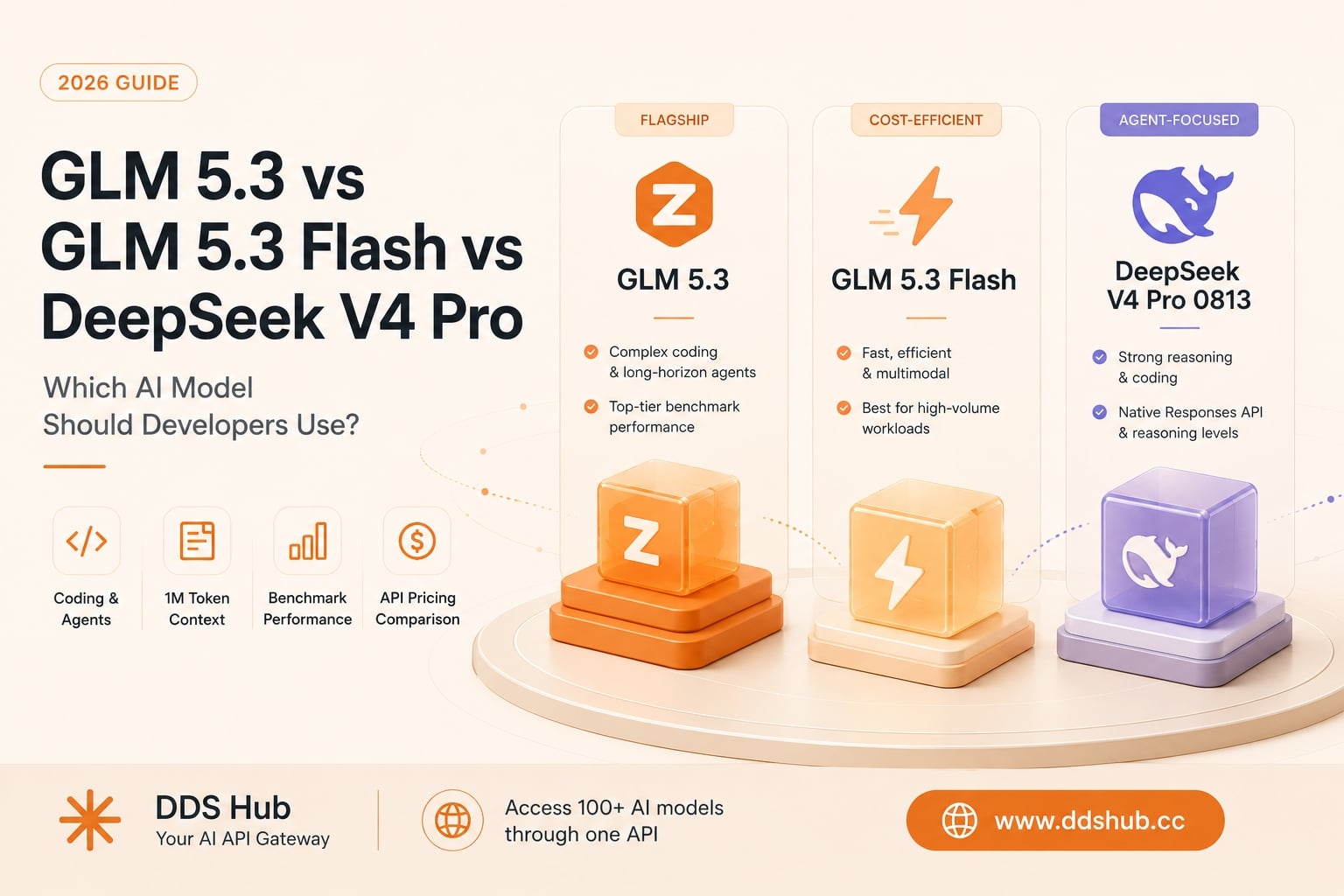
Codex is naturally suited to implementation-oriented software engineering. Claude can be useful for complex reasoning and repository analysis, while GLM and Kimi can provide alternative options for cost-sensitive or long-context workloads.
This makes multi-model API access increasingly useful for AI coding.
A developer might use one model to design a gameplay system, another to implement repetitive Java code and another to analyze a large amount of documentation or logs.
The goal is not to find one model that wins every benchmark. The goal is to choose the right model for the specific development task.
Using DDS Hub for Codex Minecraft Development
For developers experimenting with AI-powered Minecraft development, API flexibility can become important as projects grow.
DDS Hub provides access to multiple AI model families, including Codex, Claude, GLM and Kimi.
This gives developers the option to compare different models while working on the same Minecraft project.
For example, Codex can handle implementation-heavy coding tasks, Claude can assist with architecture and complex debugging, while GLM or Kimi can be evaluated for other development workloads.
This can be particularly useful for hobby developers and small teams that want to experiment with AI coding without building separate integrations for every model.
You can check the latest available models and API pricing here:
DDS Hub also provides customer support for developers who need help with API configuration, model selection or troubleshooting.
A Good First Minecraft Project for Codex
If you are completely new to AI-assisted Minecraft development, do not start by asking Codex to build a massive RPG system.
Start with something small.
A custom item, command or recipe is enough to understand the workflow.
Once the project builds successfully, add a more complicated mechanic. You might create a custom mob, an ability system or a server-side quest.
The key is to keep each task understandable and testable.
Instead of asking Codex to create an entire Minecraft server plugin in one request, divide the project into features and validate each feature before moving on.
This makes debugging easier and gives you much more control over the final result.
Final Thoughts
Codex can make Minecraft development significantly more accessible, especially for developers who understand the gameplay idea they want to build but do not want to manually write every piece of Java and configuration code.
The strongest use cases are not simply generating isolated code snippets. Codex becomes much more valuable when it can inspect an existing project, understand its dependencies, modify multiple files, run the build and help investigate errors.
Fabric is a natural choice for Minecraft mod development, while Paper is a strong option for server plugins. Skills and project instructions can give Codex additional Minecraft-specific context, while MCP can connect AI systems with external tools and potentially running Minecraft environments.
For beginners, the best strategy is simple: choose a specific Minecraft version, start with a small feature, let Codex inspect the project before making changes and always build and test the result.
Once you become comfortable with the workflow, Minecraft becomes a surprisingly good environment for experimenting with AI agents.
And if you want to compare Codex with Claude, GLM and Kimi through API access, DDS Hub provides a convenient multi-model platform for exploring different AI coding workflows.
Check the latest models and pricing at:
FAQ
Can Codex create Minecraft mods?
Yes. Codex can assist with Java-based Minecraft mod development, including items, blocks, entities, commands, recipes and debugging. The exact implementation depends on the Minecraft version and modding framework.
Can Codex create Paper plugins?
Yes. Codex can help create Paper plugins involving commands, events, permissions, configuration, inventories and other server-side functionality.
Is Codex good for Minecraft development?
Codex can be particularly useful for repetitive implementation, repository analysis and debugging. Developers should still verify generated code because Minecraft APIs and mappings are version-sensitive.
Should I use Fabric or Paper?
Fabric is generally appropriate for Minecraft mods that modify the game itself, while Paper is designed for server plugins that extend server functionality.
Can MCP connect AI to Minecraft?
MCP can be used as a tool-connection layer between an AI system and external applications. Minecraft MCP projects demonstrate ways of connecting AI tools with running Minecraft environments.
Can I use Codex, Claude and Kimi together?
Yes. Developers can use different models for different coding tasks. A multi-model API platform can make this approach easier to experiment with.
Can I use Codex through DDS Hub?
DDS Hub provides access to Codex as well as Claude, GLM and Kimi models. Developers can check the current model availability and pricing on the DDS Hub model page.