Kiro IDE Review: Why Developers Are Moving Toward Structured AI Coding
AI coding tools have changed significantly over the past few years. Early AI assistants focused primarily on autocomplete and generating small pieces of code, while modern coding agents can inspect an entire repository, modify multiple files, run commands and help developers troubleshoot complex projects.
Kiro is designed around this newer approach.
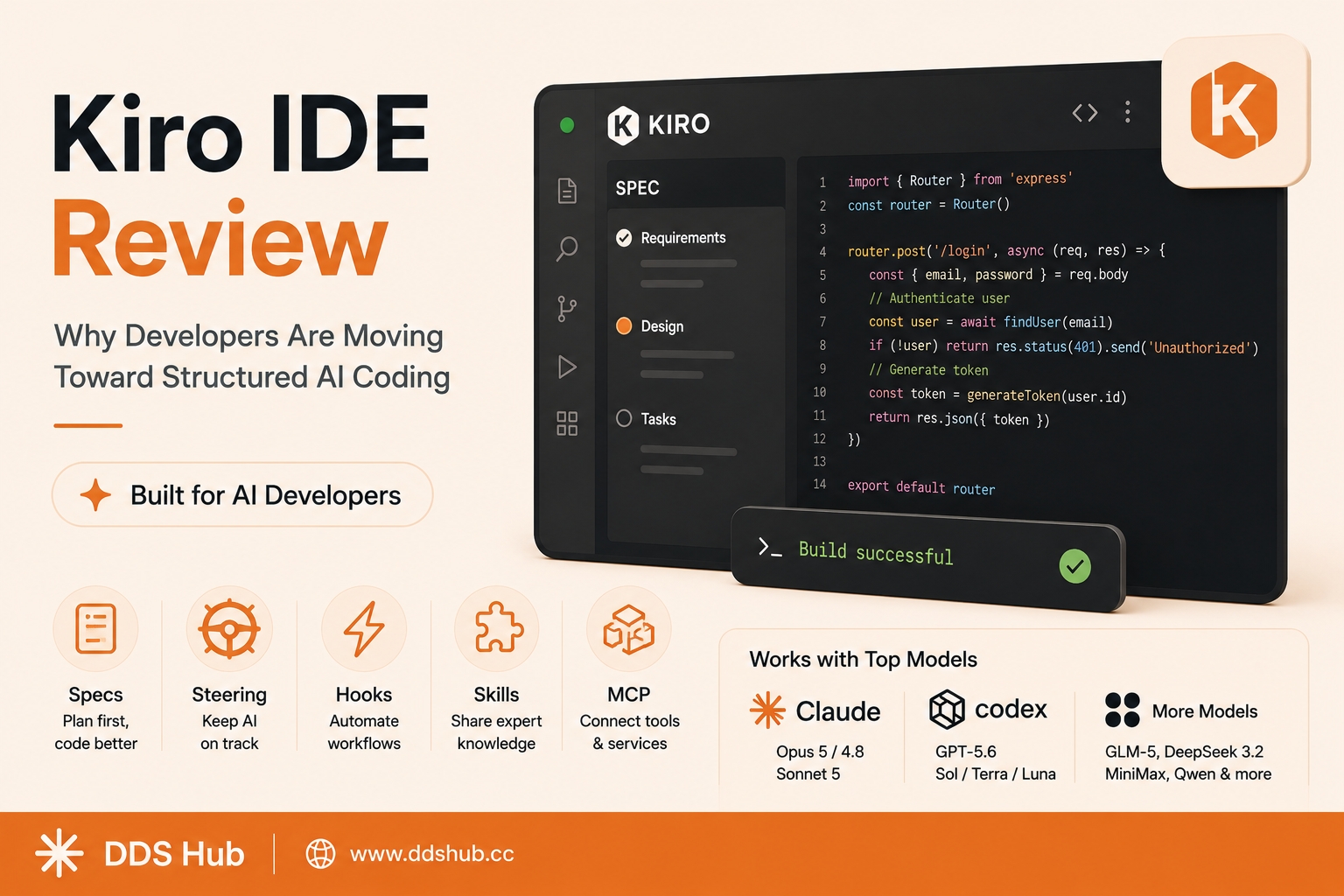
Rather than treating AI as a chatbot inside an editor, Kiro focuses on structured, agentic software development. Built on a VS Code foundation, it combines a familiar development environment with features such as Specs, Steering, Hooks, Skills and MCP. The goal is to make AI-assisted development more predictable and easier to manage as projects become larger.
For developers who are already using Claude Code, Codex or other AI coding agents, Kiro is particularly interesting because it provides another way to organize the relationship between an AI model and a software project.
What Makes Kiro Different?
The biggest idea behind Kiro is spec-driven development.
With a conventional AI coding workflow, a developer might write a prompt such as "build a user authentication system" and let the agent immediately start modifying the repository. This can work well for small tasks, but larger projects often require more planning.
Kiro's Specs workflow introduces a structured process for defining requirements, designing the solution and breaking the work into implementation tasks before the coding phase begins. This can make complex features easier to review and reduce the chance of an AI agent making large architectural changes based on an ambiguous prompt.
For example, when building a subscription system, a developer can first ask Kiro to analyze the existing application and create a specification covering database changes, backend APIs, frontend components and testing requirements. After reviewing the plan, the developer can allow the agent to implement the individual tasks.
This makes Kiro particularly attractive for production-oriented development rather than quick prototype generation.
Steering Keeps AI Coding Consistent
Another useful Kiro feature is Steering.
AI agents can easily lose track of project conventions when working on a large codebase. One service might use one error-handling pattern while another follows a completely different approach, and an AI agent may unintentionally introduce another style.
Steering files allow developers to provide persistent project instructions and context. These can describe coding conventions, architecture, preferred libraries, testing requirements and other rules that the AI should follow.
For example, a development team can specify that all API endpoints must use a standardized response format and that business logic should remain inside a particular service layer.
Instead of repeating these instructions in every prompt, Kiro can use the project's persistent context when working on future tasks.
Hooks, Skills and MCP Extend the Agent
Kiro also provides Hooks for automating repetitive development workflows.
A Hook can trigger an action when a particular development event occurs, allowing teams to automate tasks such as validation, testing or documentation updates. This is useful when the same operation needs to happen repeatedly during development.
Skills provide another way to give agents specialized knowledge and workflows. Instead of relying entirely on the model's general knowledge, developers can create reusable instructions for specific technologies or internal development processes.
MCP, meanwhile, allows AI agents to interact with external tools and services through a standardized interface. This can expand the agent beyond the files inside the IDE and make it possible to connect AI coding workflows with databases, APIs, development tools and other external systems.
Together, these features make Kiro feel less like an AI autocomplete tool and more like an environment for managing AI software engineers.
Which Models Does Kiro Support?
Model selection is another important part of Kiro.
Kiro supports multiple model families rather than forcing developers to use a single AI provider. Its current model lineup includes Claude models from Anthropic as well as models from OpenAI and several other providers.
The supported options include Claude Opus 5, Claude Opus 4.8, Claude Opus 4.7, Claude Opus 4.6, Claude Sonnet 5 and Claude Sonnet 4.6. Kiro also provides access to GPT-5.6 Sol, GPT-5.6 Terra and GPT-5.6 Luna, along with models such as GLM-5, DeepSeek 3.2, MiniMax and Qwen coding models.
This multi-model design is important because different development tasks have different requirements.
A powerful Claude Opus model may be useful for complex architecture or large refactoring tasks, while a lower-cost model can be more appropriate for routine implementation. Developers can therefore choose a model based on the complexity and cost of each task rather than treating every request equally.
Why Claude Is Important in Kiro
Claude remains one of the most attractive choices for developers who want strong reasoning and agentic coding performance.
In Kiro, Claude models can be used for tasks such as repository analysis, multi-file implementation, debugging and complex feature development.
A practical workflow might use a stronger Claude model when designing a complicated system and switch to a less expensive model for routine coding or repetitive modifications.
This is one of the main advantages of a multi-model IDE. Developers are no longer limited to choosing between "AI coding" and "no AI coding." They can select different models depending on the engineering problem.
Kiro vs Claude Code and Other AI Coding Tools
Kiro and Claude Code solve similar problems but emphasize different workflows.
Claude Code is strongly focused on an AI coding agent that operates through the terminal and works directly with repositories and development tools. Kiro puts more emphasis on integrating structured development workflows directly into the IDE.
This does not necessarily make one better than the other.
For quick implementation and terminal-based workflows, developers may prefer Claude Code. For teams that want requirements, project instructions and development automation to be integrated into the coding environment, Kiro can be attractive.
The same principle applies to Codex and other coding agents: the model matters, but the surrounding workflow can be equally important.
Using Claude in Kiro Through DDS Hub
For developers who specifically want to use Claude with Kiro, API access can become another consideration.
DDS Hub, also known as 呆呆兽中转站, provides a dedicated Kiro Claude channel, allowing developers to access Claude through a Kiro-oriented workflow.
This can be useful for developers who already rely on Claude for coding but want more flexibility in how they access their preferred models.
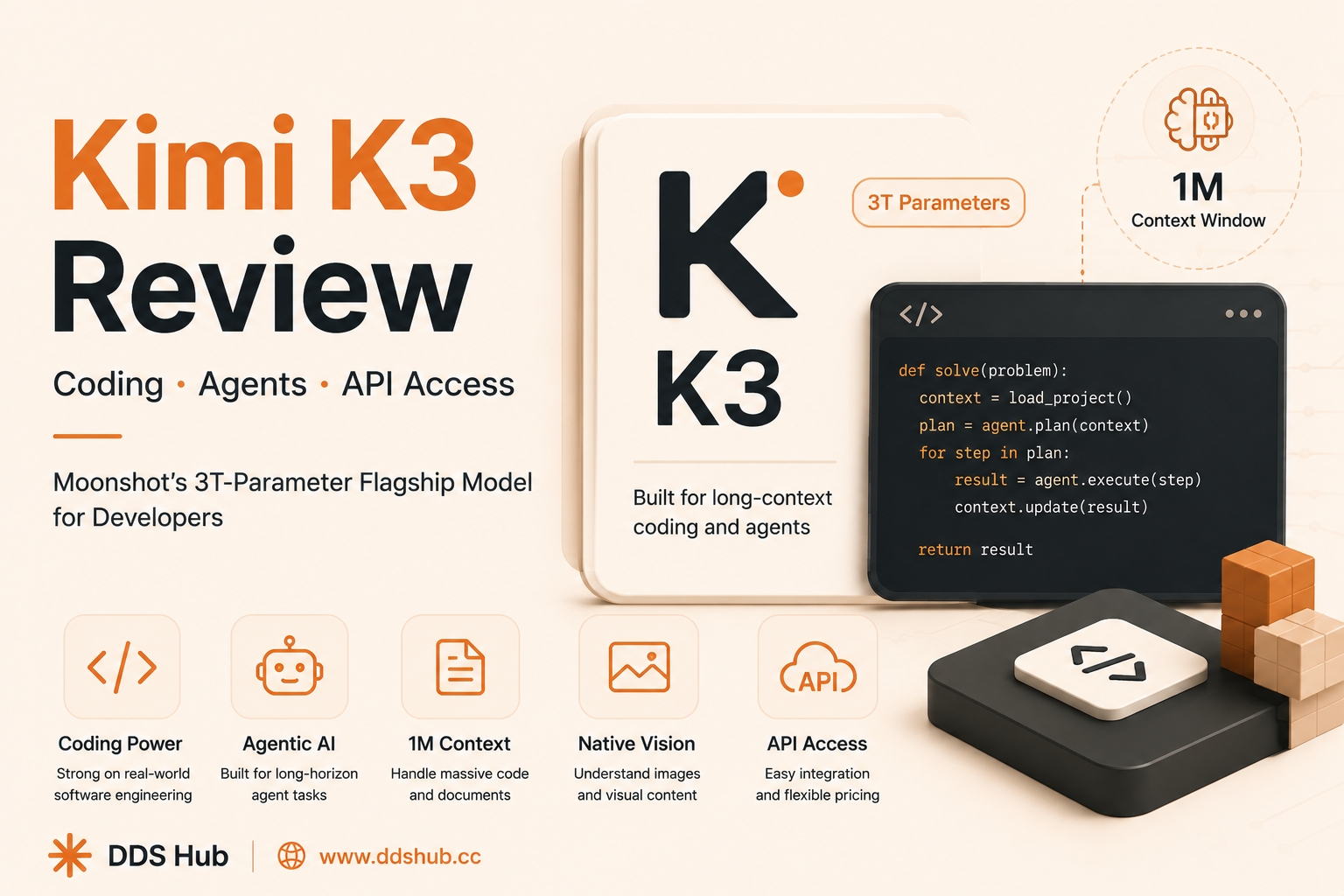
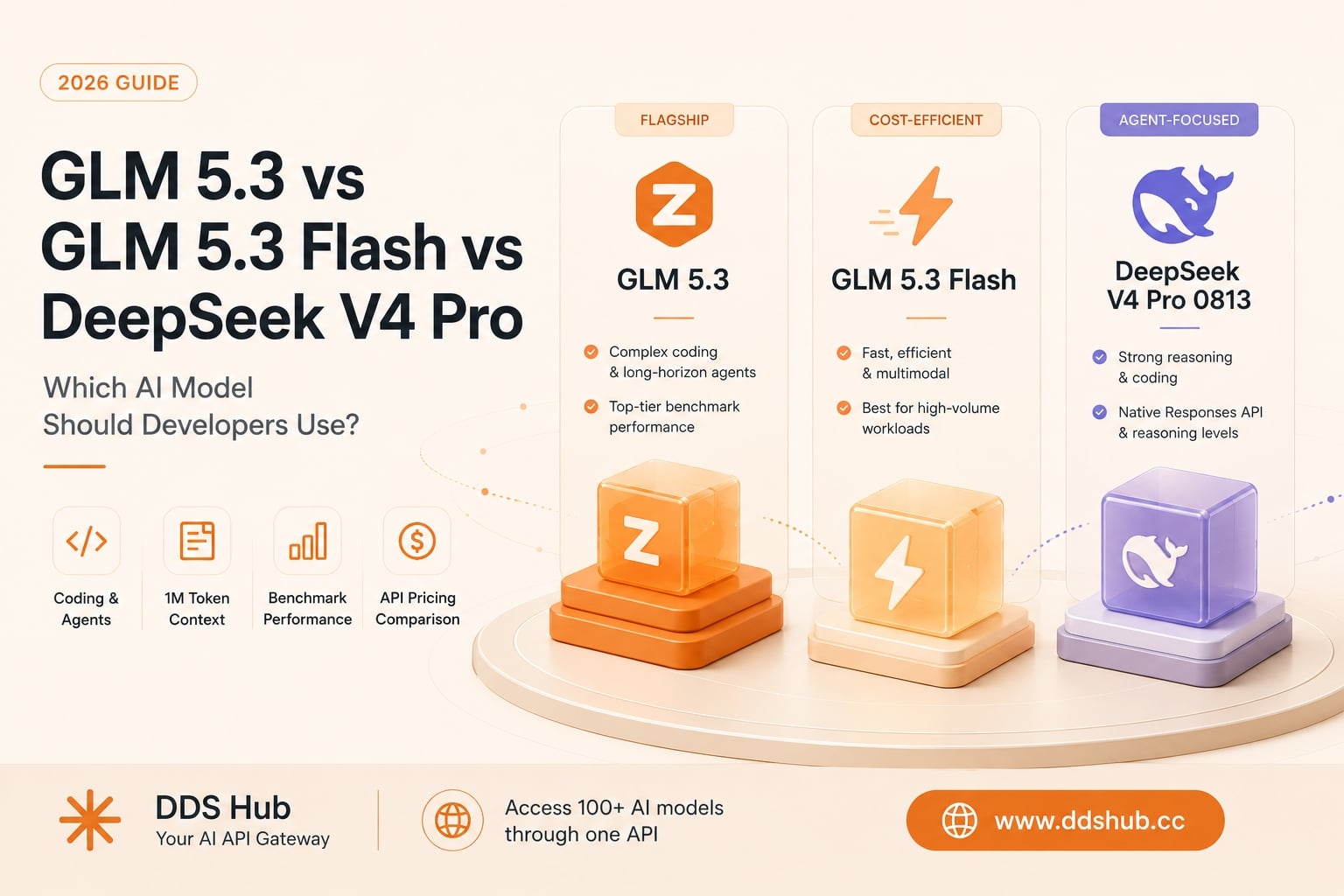
DDS Hub also provides access to other AI coding models, including Codex, GLM and Kimi. This allows developers to compare different models for architecture, implementation, debugging and cost-sensitive workloads instead of maintaining completely separate workflows for every model.
You can check the latest available models and pricing here:
For developers who need help with Kiro Claude configuration, model selection or API-related issues, DDS Hub also provides customer support.
Is Kiro Worth Trying?
Kiro is most interesting for developers who have moved beyond simple AI autocomplete and want AI to participate in a larger part of the software development lifecycle.
If you are only asking an AI to generate a small function, many coding assistants can accomplish the task. The advantage of Kiro becomes more apparent when the project involves multiple files, architectural decisions, testing and long-running development tasks.
Specs provide a structured way to define complex requirements, Steering keeps AI behavior aligned with project conventions, Hooks automate repetitive actions, while Skills and MCP extend what the agent can understand and interact with.
The ability to switch between Claude, GPT-5.6, GLM, DeepSeek, MiniMax and Qwen also makes Kiro attractive for developers who want to experiment with different AI coding models.
Final Thoughts
The most important development in AI coding is not simply that models are getting better at writing code. It is that development environments are increasingly being designed around AI agents.
Kiro represents this direction by combining an IDE with structured specifications, persistent project context, automation and multi-model support.
For developers who prefer Claude, the availability of a Kiro Claude channel through DDS Hub provides another option for building an AI-assisted development workflow. Developers can also experiment with Codex, GLM and Kimi to find the right balance between coding capability, speed and API cost.
If you are moving from traditional autocomplete toward agentic software development, Kiro is worth exploring.
Check the latest models and API options through:
FAQ
What is Kiro IDE?
Kiro is an AI-powered development environment built around agentic and structured software development. It includes features such as Specs, Steering, Hooks, Skills and MCP.
Does Kiro support Claude?
Yes. Kiro supports multiple Claude models, including current Opus and Sonnet models.
What other models does Kiro support?
Kiro supports models from Anthropic, OpenAI and other providers, including GPT-5.6, GLM, DeepSeek, MiniMax and Qwen coding models.
Is Kiro similar to Claude Code?
Both provide AI-assisted coding capabilities, but Kiro places more emphasis on structured IDE-based workflows, while Claude Code focuses heavily on repository-level agentic development through the terminal.
Can I use Claude with Kiro through DDS Hub?
DDS Hub provides a Kiro Claude channel and also offers access to other coding models such as Codex, GLM and Kimi.